 AI concept
 Crazy Frog AI Video Generator
Your face. An impossible ride. Create a Crazy Frog AI chase or invisible motorcycle video, or remix a reference clip with a new scene, style or object.
Motion TransferObjects SwapUp to 1080p
Preparing your video…
My Creations
Crazy Frog AI templates
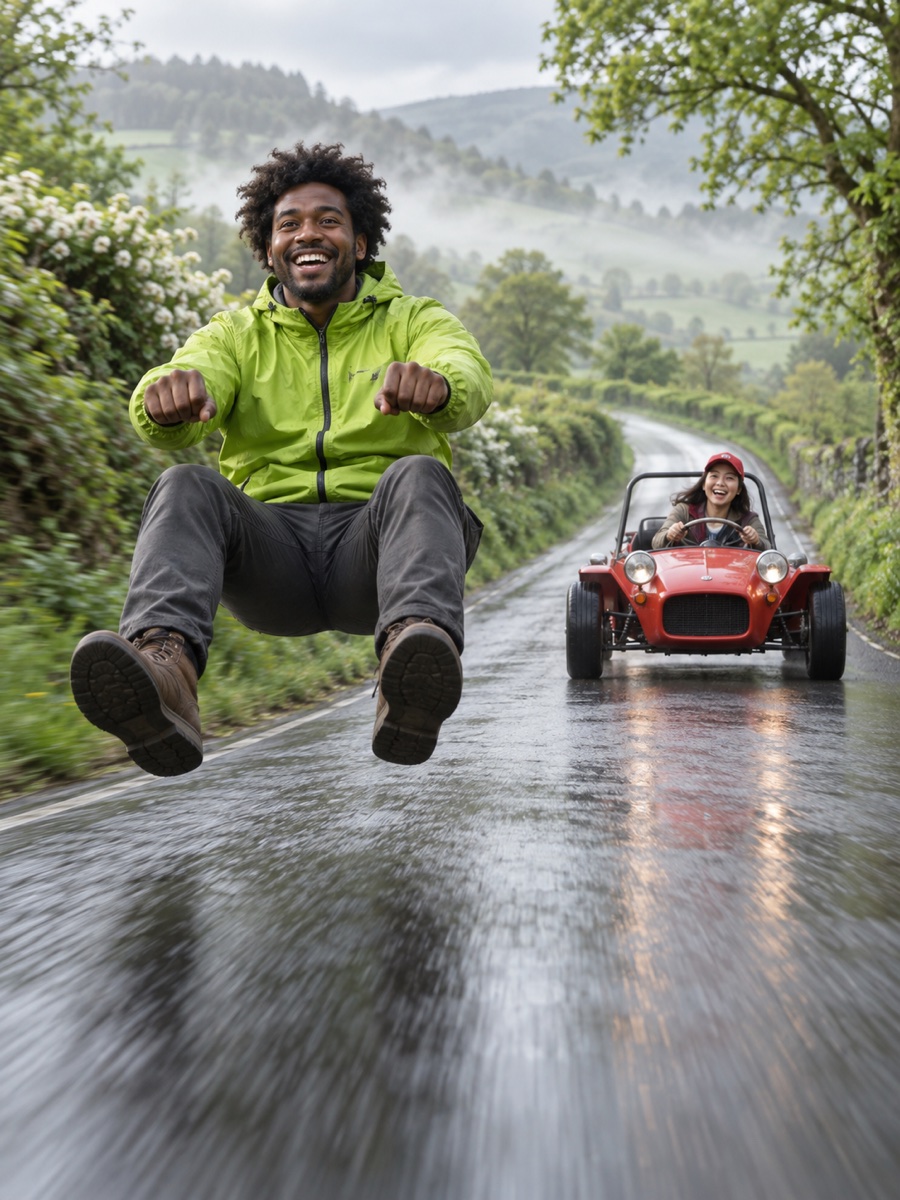
Choose an idea, use the template, then add your photos and generate. Previews below are AI concept artwork.
AI concept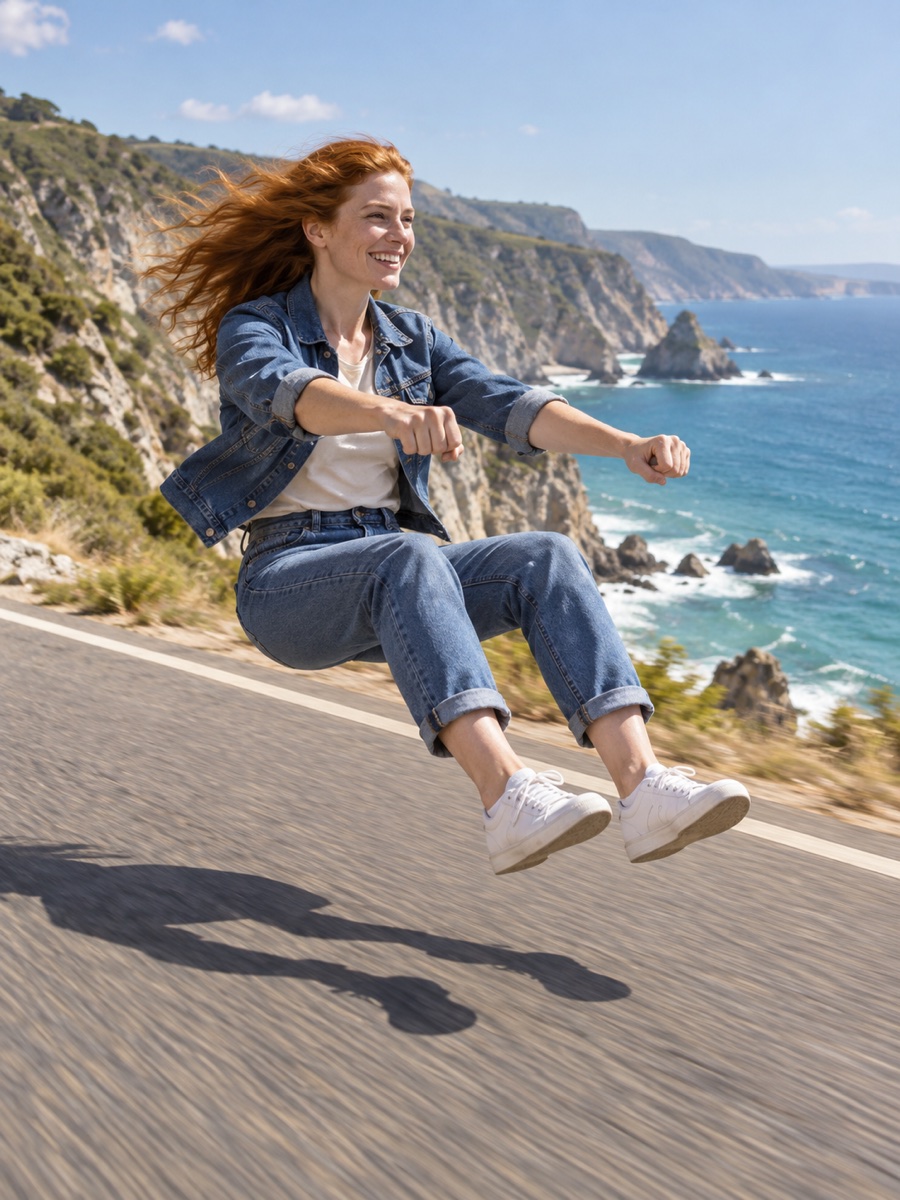 AI concept
Invisible Motorcycle
Invisible ride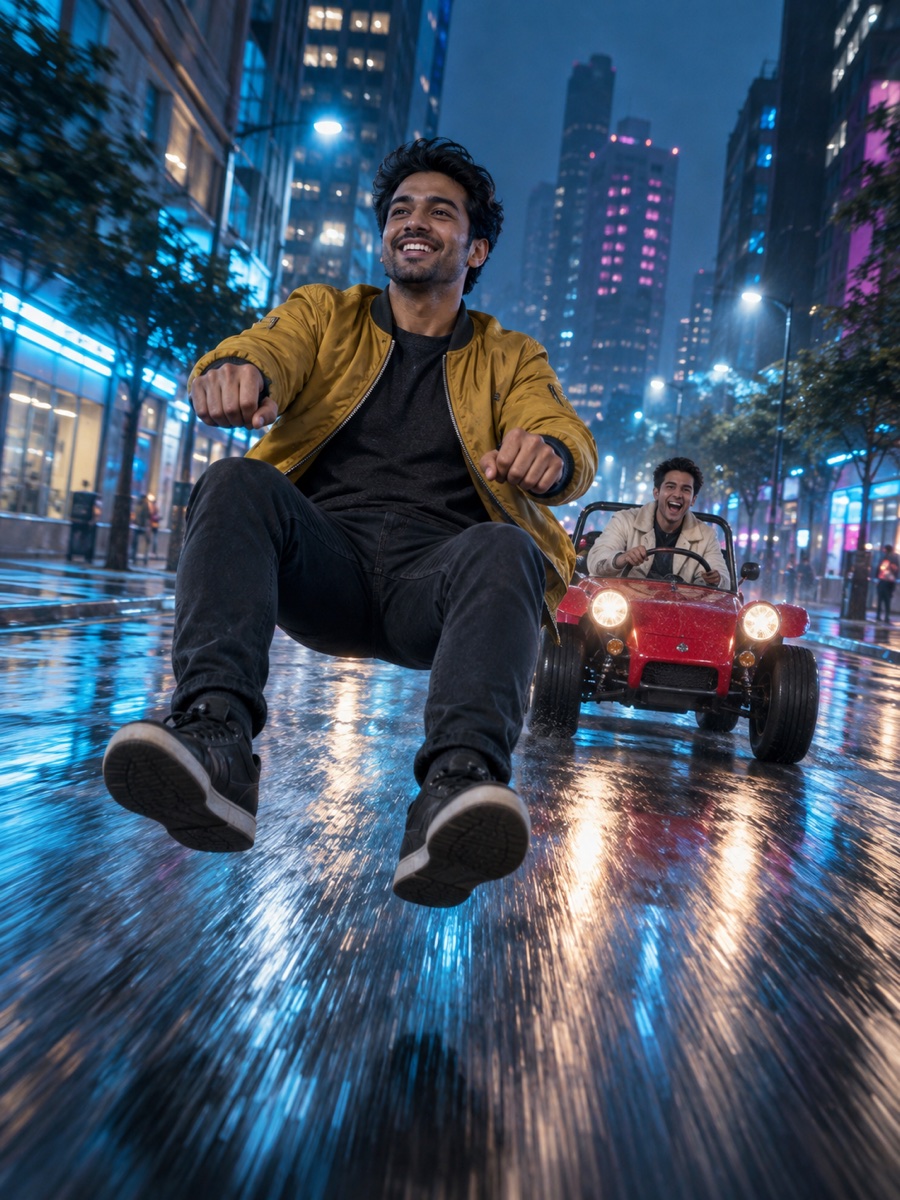 AI concept
Night City Chase
Two-person chase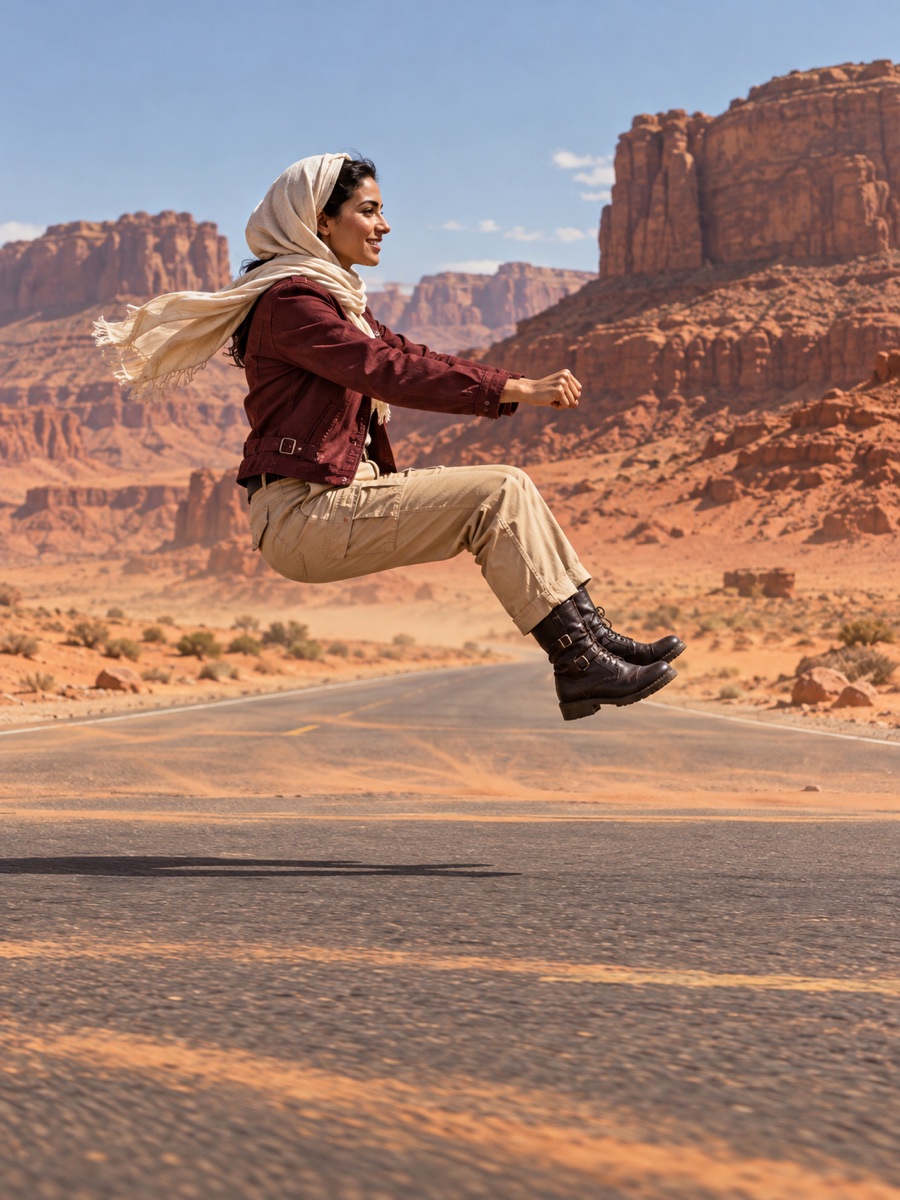 AI concept
Desert Ride
Invisible ride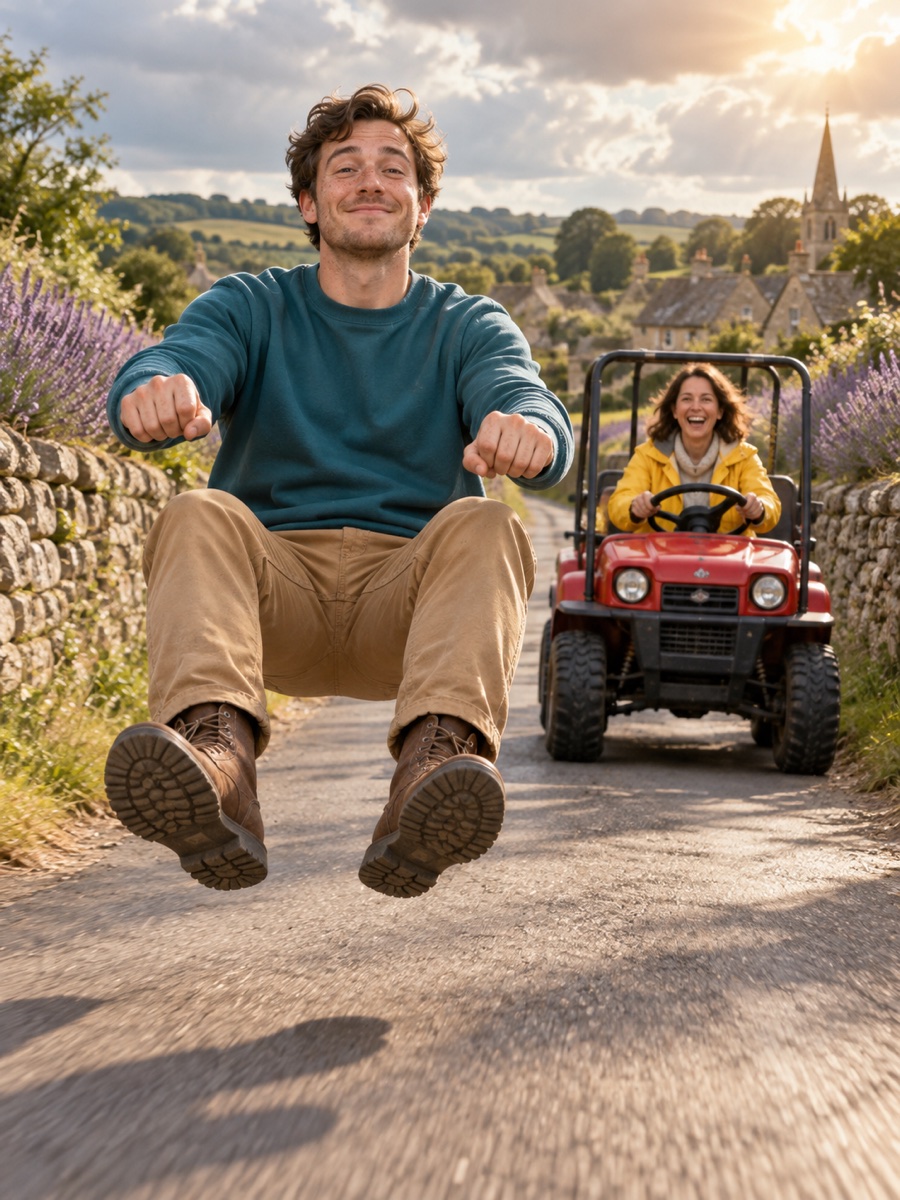 AI concept
Country Road Chase
Two-person chase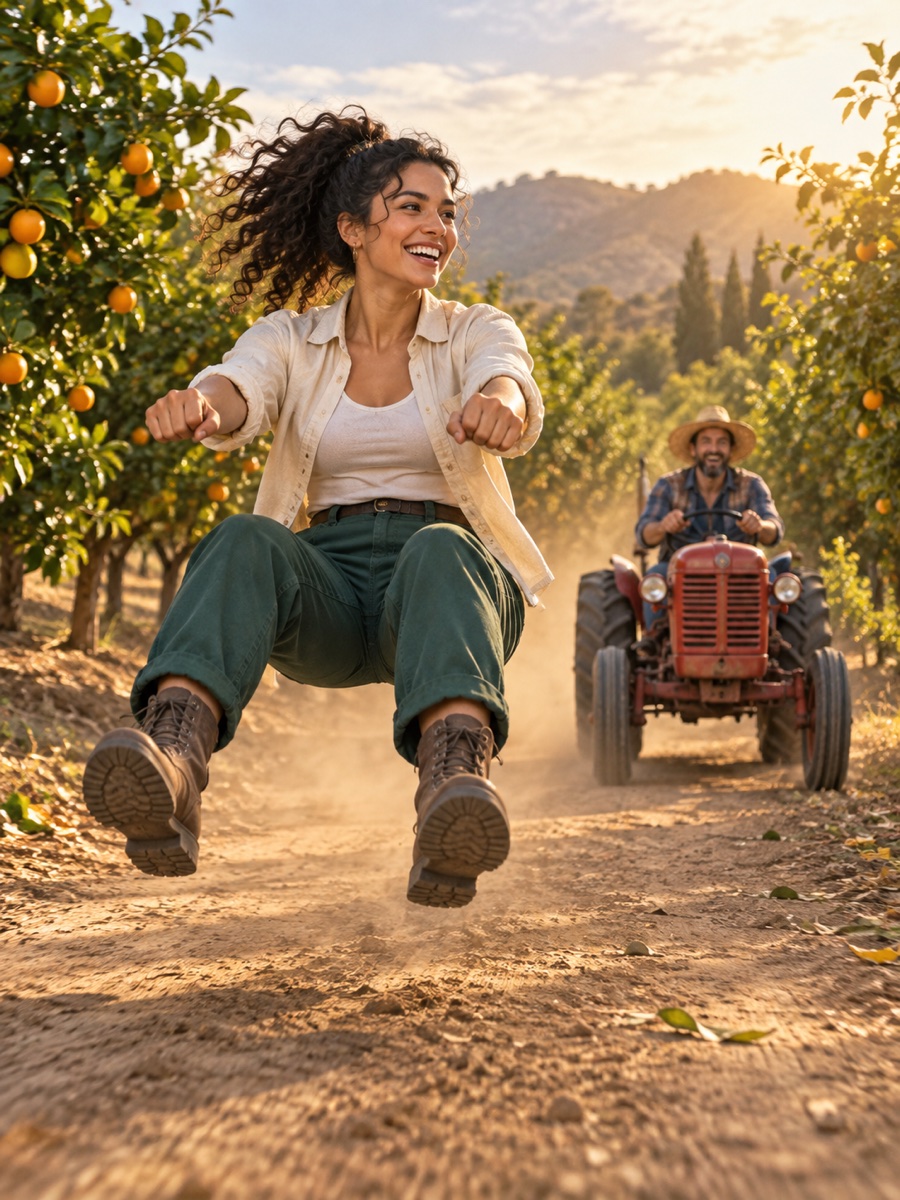 AI concept
Red Vehicle Pursuit
Two-person chase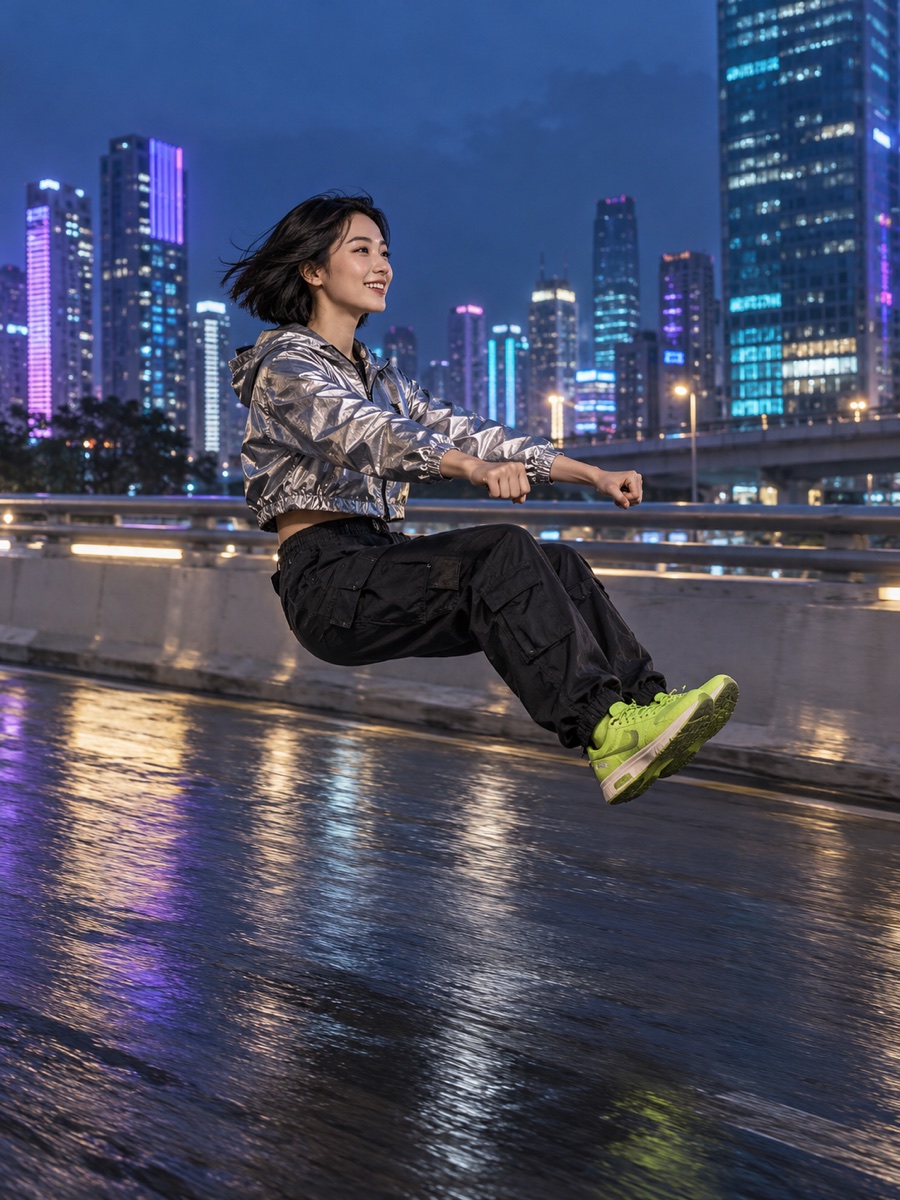 AI concept
Neon Invisible Ride
Invisible ride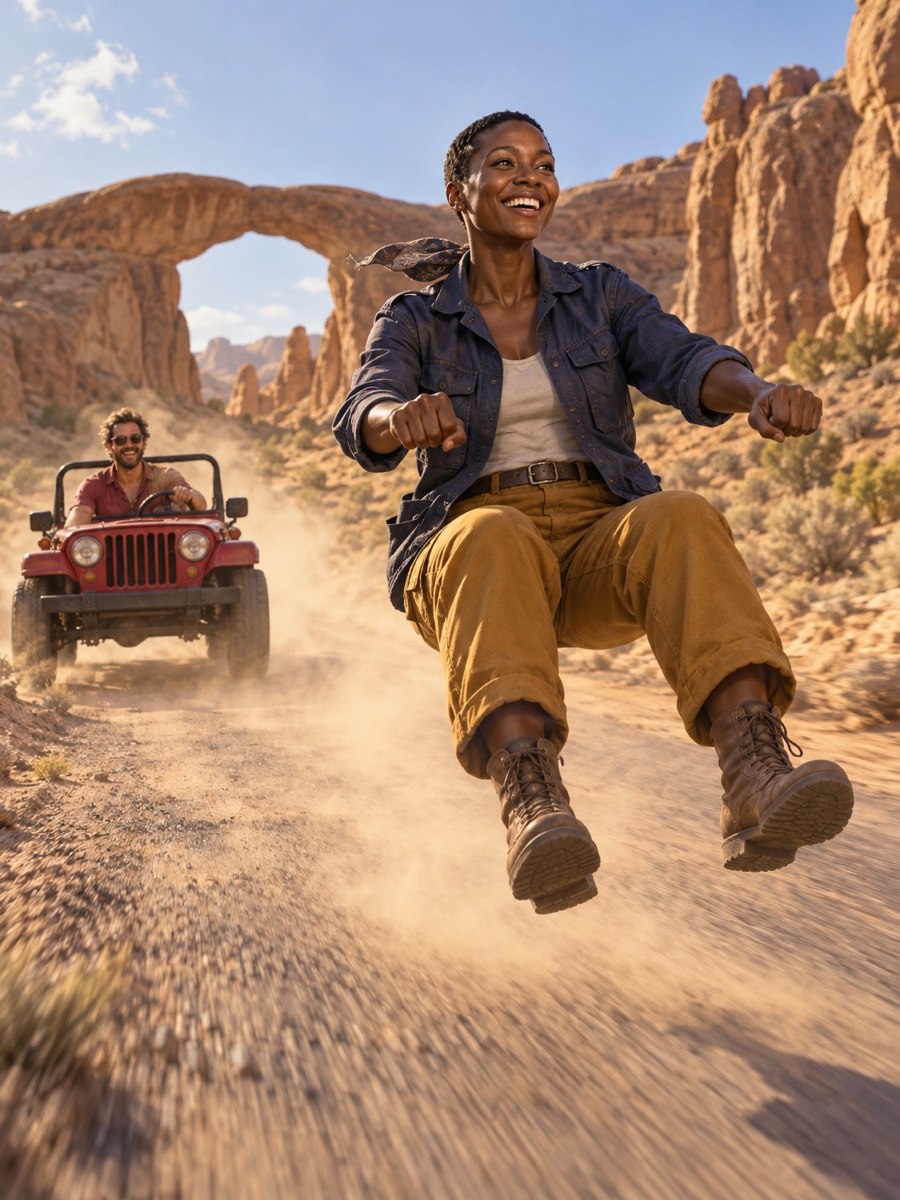 AI concept
Desert Duo Chase
Two-person chase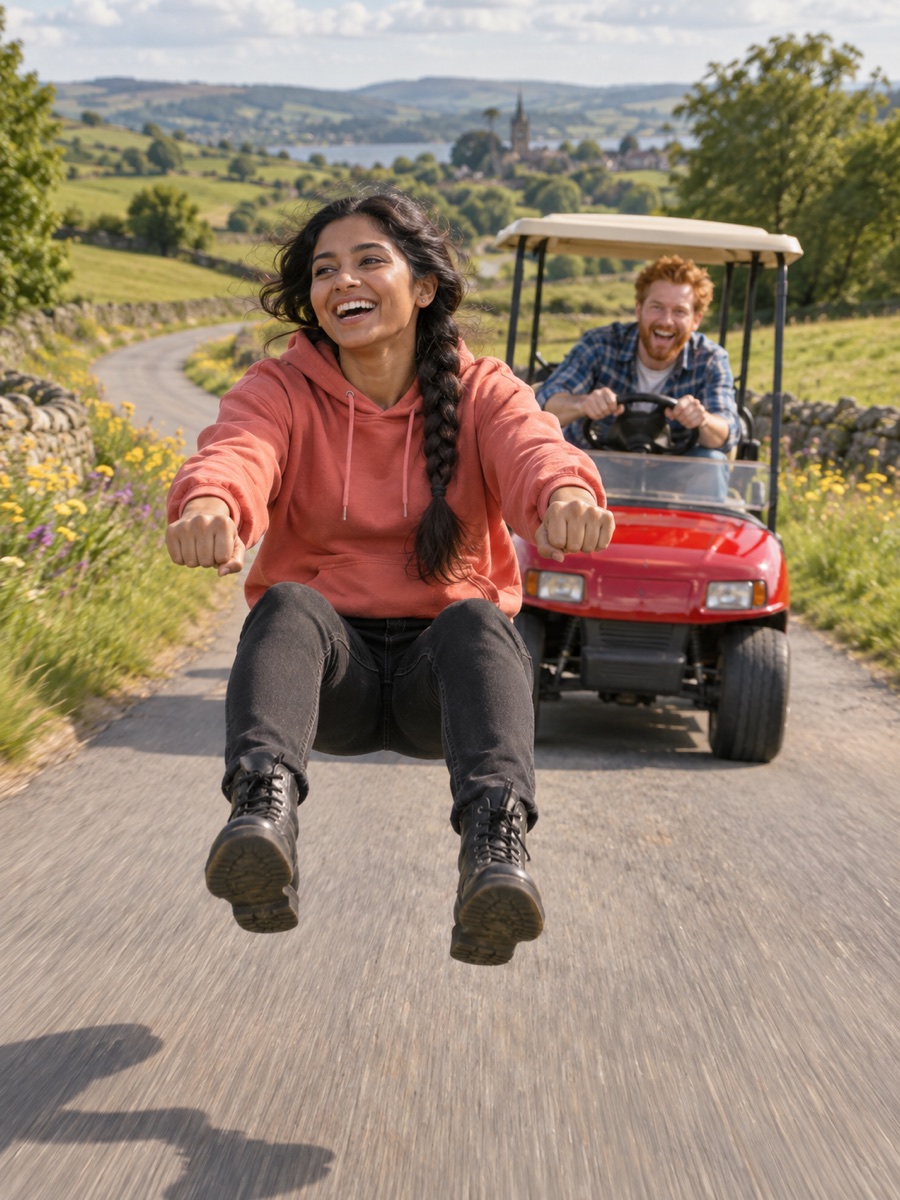 AI concept
Friends in the Chase
Two-person chase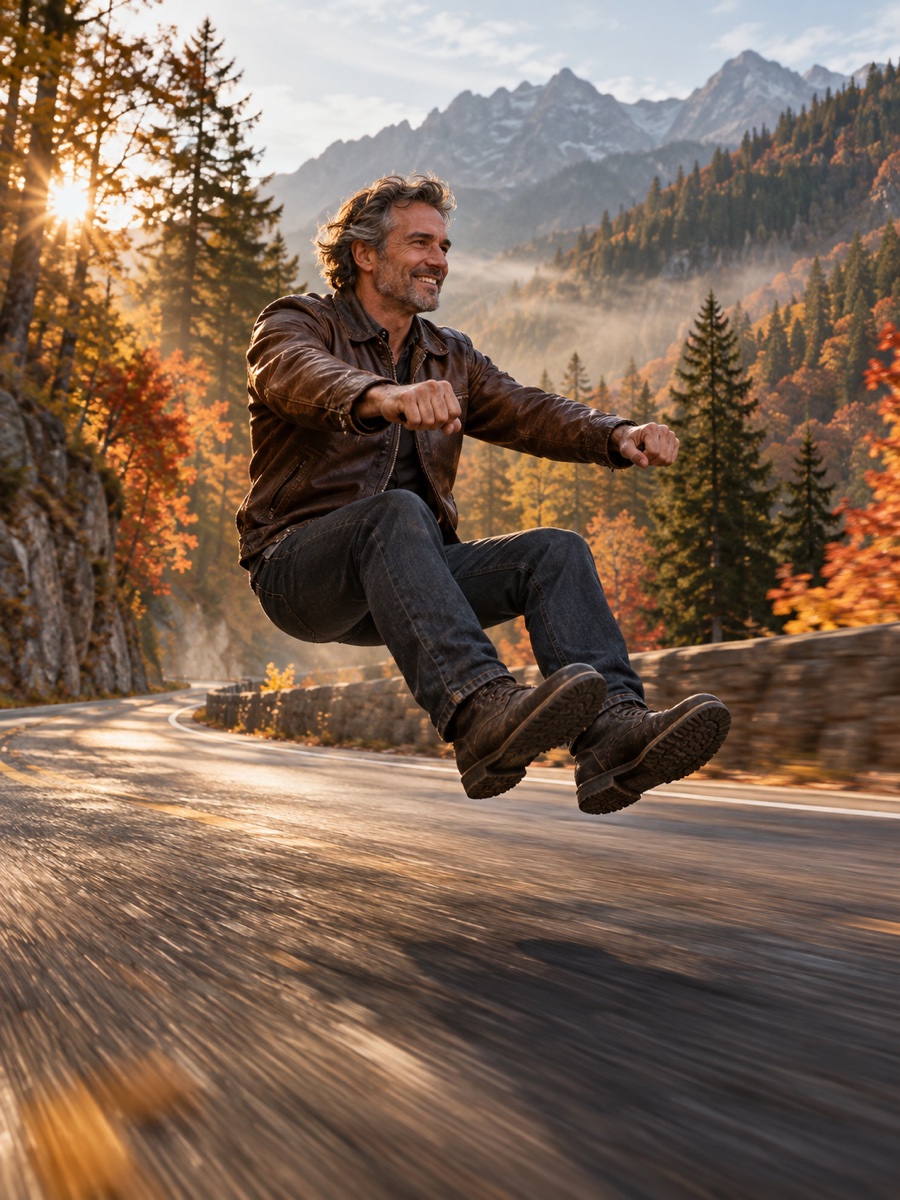 AI concept
Cinematic Road Ride
Invisible ride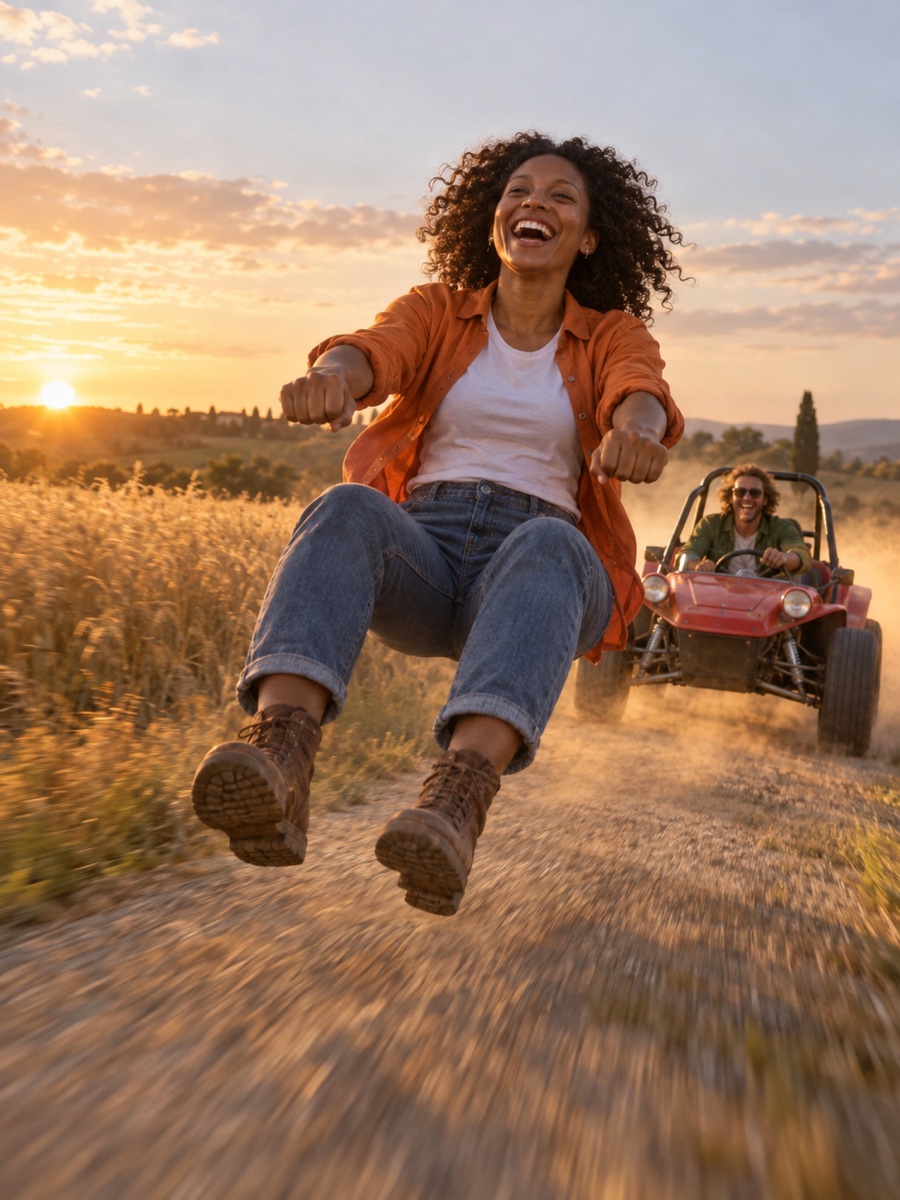 AI concept
Golden Hour Chase
Two-person chase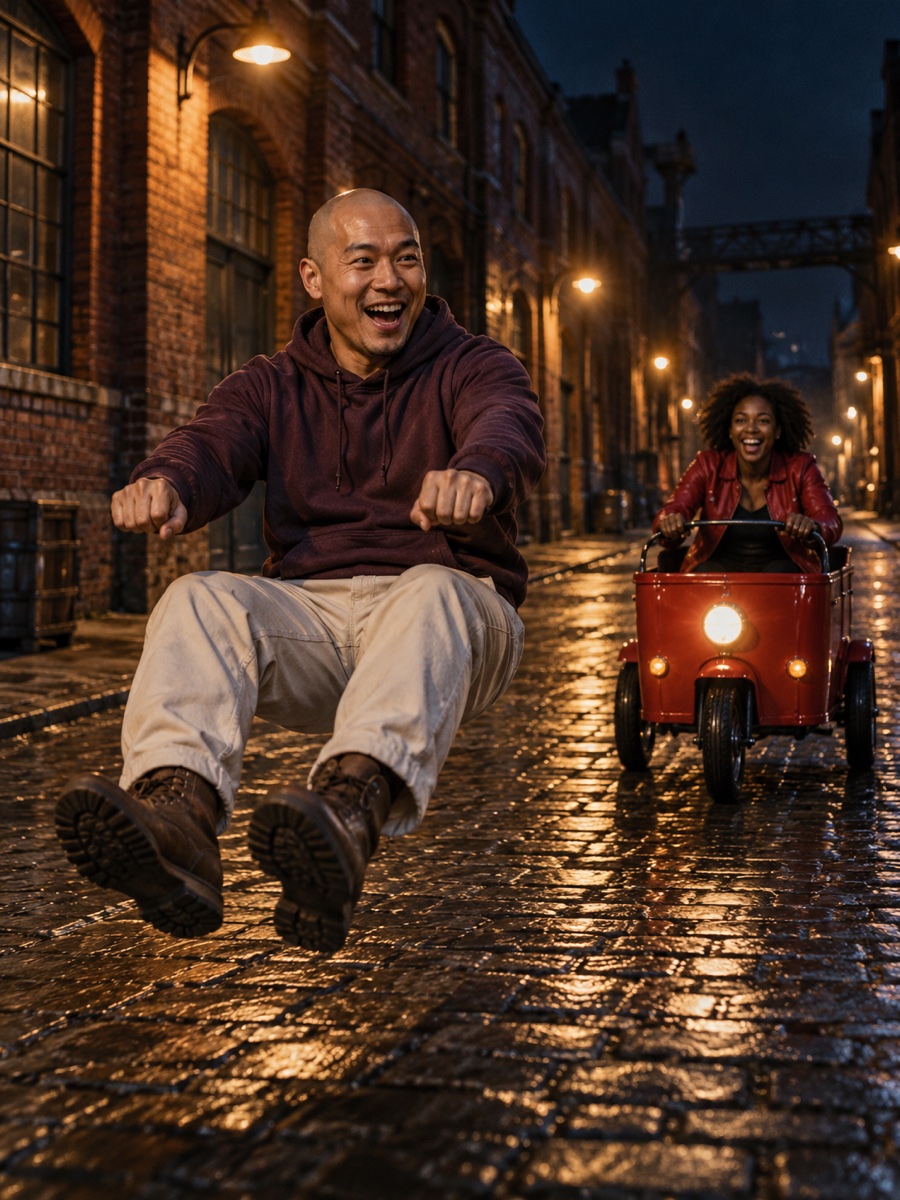 AI concept
Midnight Pursuit
Two-person chase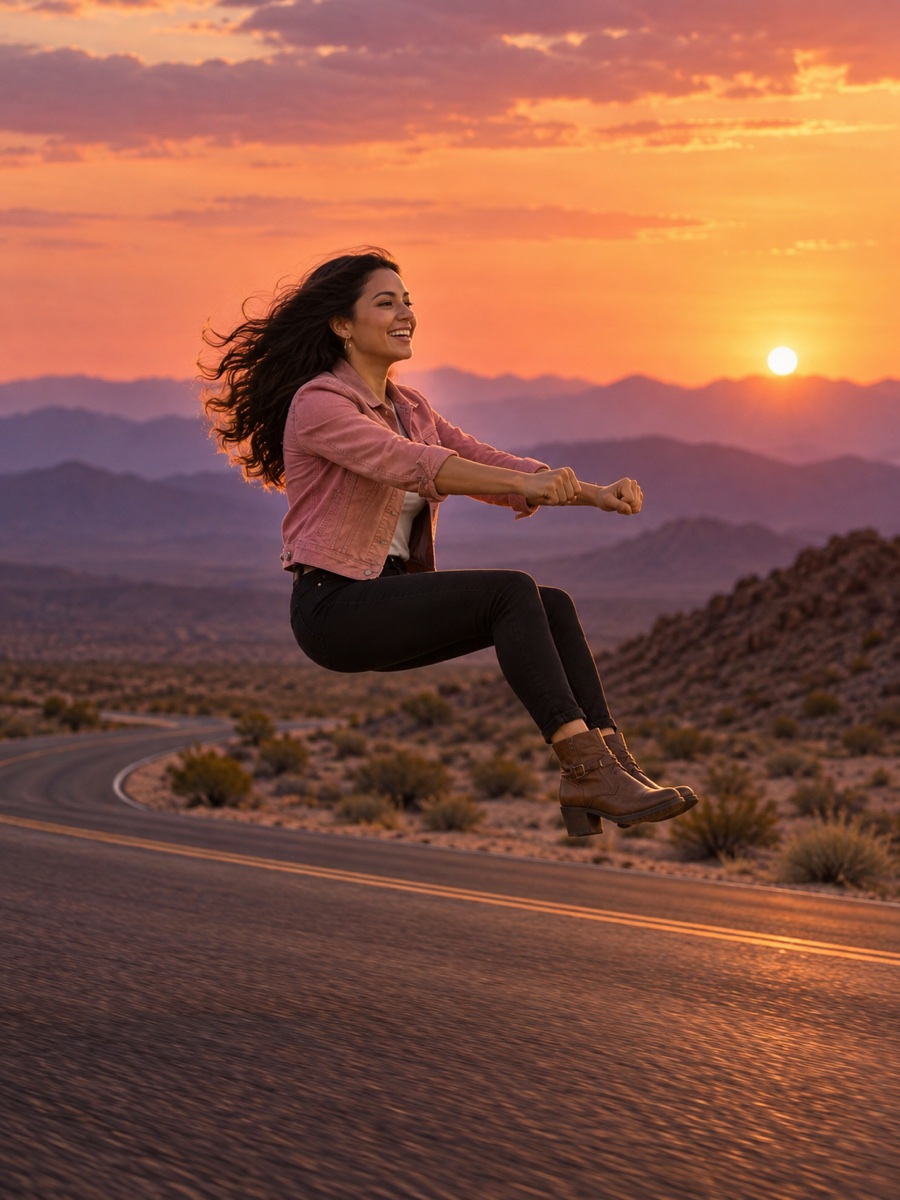 AI concept
Sunset Desert Ride
Invisible ride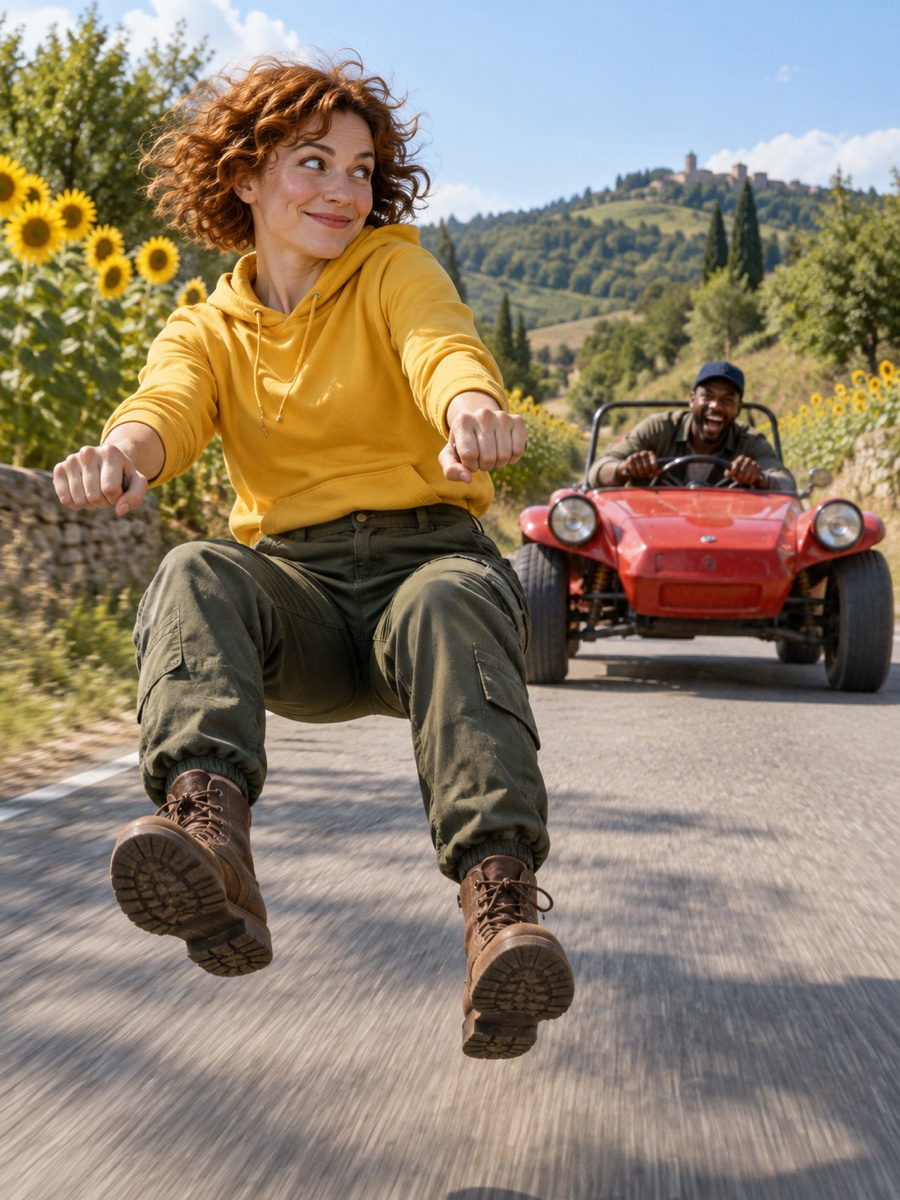 AI concept
Playful Front Runner
Two-person chase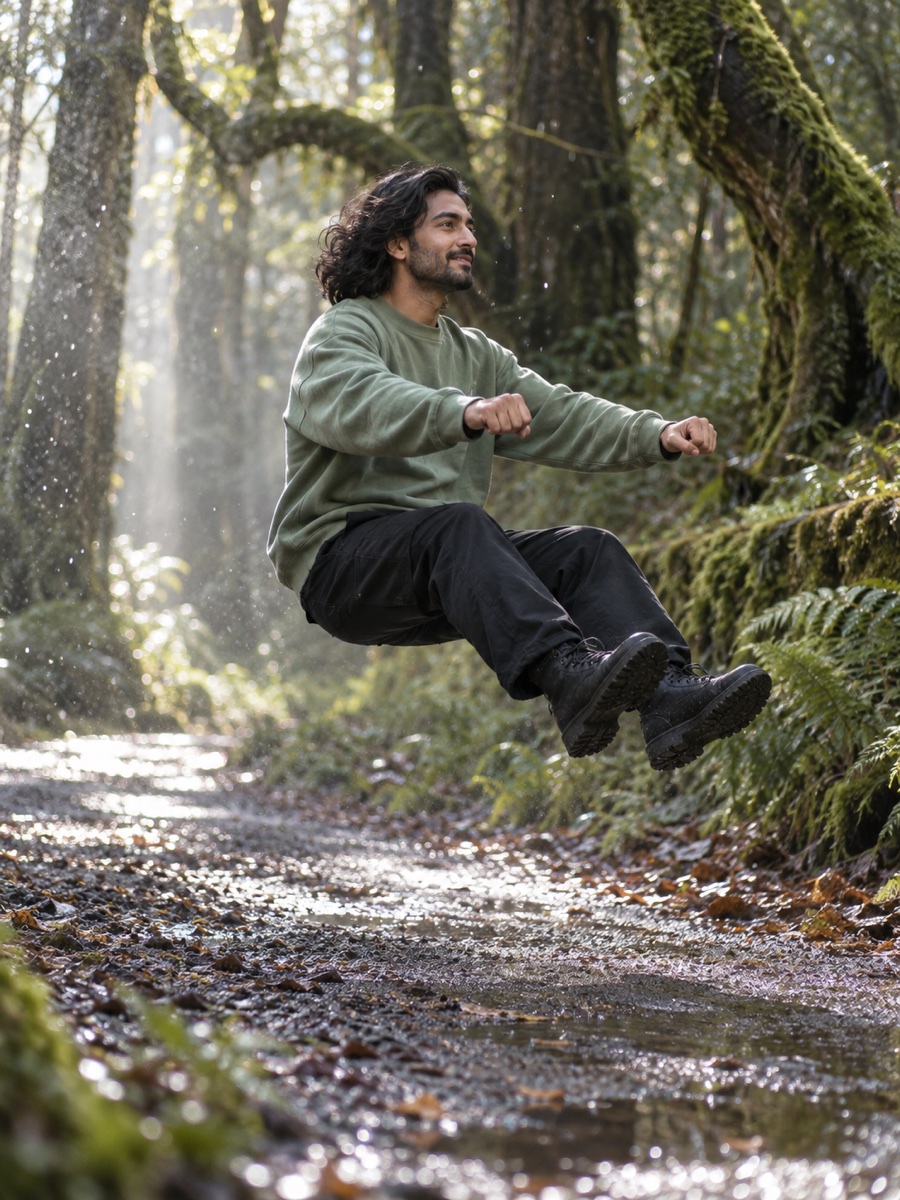 AI concept
Slow Motion Ride
Invisible ride AI concept
City Street Sprint
Two-person chase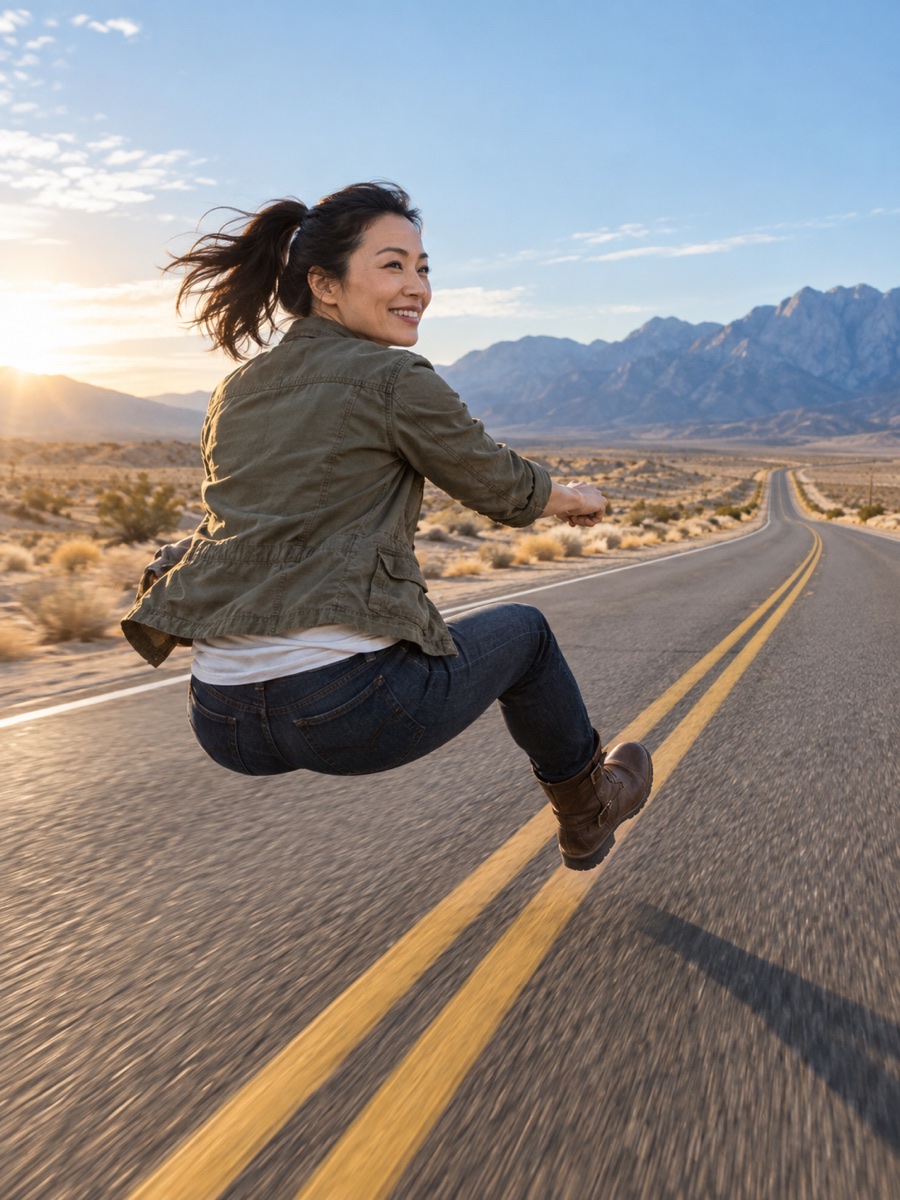 AI concept
Open Highway Ride
Invisible rideConcept artwork shows a visual direction. It is not a rendered result for each template; your video will depend on your photos and prompt.
What Is Crazy Frog AI?
Crazy Frog AI turns a familiar face into an impossible road moment. Create an invisible motorcycle ride, cast two people in a playful chase, or use a reference video to explore a new scene, style or object. The templates give you a starting point for the pose, camera and mood; your photos and prompt make the result your own. This is an independent AI video tool. Results can vary, so start with clear references and review a short preview when one is available before generating a full clip.
How Crazy Frog AI Works
Three steps from your idea to an unexpected ride.
- 1
Bring your reference
Choose a Crazy Frog AI template and add your photos, or upload the MP4 clip you want to remix.
- 2
Describe the scene
Set the location, motion and mood. Give each person a clear role, and keep an invisible bike invisible.
- 3
Generate your video
Check the credit estimate, generate your clip and review the result. Download it when your video is ready.
What You Can Create
A familiar face. A new scene. Plenty of room for a ridiculous idea.
Invisible rides
Give your subject a motorcycle riding pose with no visible bike. Choose a country road, city street or wide desert highway.
Duo chases
Cast a front runner and a chaser using two separate photos. Add playful expressions, a pursuit and a dynamic camera move.
Motion transfer
Start with a reference clip and explore a new scene or visual style around the movement. Describe what should stay consistent.
Objects swap
Use a clip and reference images to describe a new product, prop or object. Be specific about what you want to replace.
01Same face, impossible ride: float along a country lane with hands in a riding pose and no motorcycle in sight.
02Two friends, one pursuit: put the front runner on the road and the chaser close behind in a red vehicle.
03New setting, same energy: trade a quiet road for a city lit by neon or an empty desert highway.
04A more cinematic moment: try a low tracking shot, a dramatic glance back or warm golden hour light.
05Start from your footage: upload an MP4 and describe a new style while using the original motion as a reference.
06Change a single detail: provide an object reference and explain exactly where it belongs in the shot.
How to Use the Generator
Five steps from upload to download.
- 1
Choose your starting point
Select a Crazy Frog AI template for a photo-based ride or chase. For a video remix, upload an MP4 reference clip from 4 to 30 seconds, up to 5 MB.
- 2
Add clear reference images
Use a recognizable face for the rider, or one photo per person for a duo chase. For video editing, add the products, objects or scenes you want to reference.
- 3
Write the result you want
Describe the action, camera and setting. Give each character a clear role. For an invisible ride, exclude wheels, handlebars, frames and seats.
- 4
Choose quality and generate
Choose 720p or 1080p and check the credit estimate. Try a short preview for supported video workflows, then generate the full clip.
- 5
Review and download
Find your job in My Creations, check the result and download the MP4. Add music you are allowed to use in your editing or social app.
Crazy Frog AI Prompt Ideas
Give the motion, camera and setting a clear direction. Pick a prompt to make it your own.
The classic invisible ride
A confident rider floats above a country road in a motorcycle riding pose. No visible motorcycle, wheels, frame or handlebars. Low tracking camera, warm afternoon light, playful Crazy Frog AI energy.
The two-person road chase
Two friends race down a country road. The front runner glances back with a playful grin while the chaser follows in a red vehicle. Dynamic tracking camera, expressive faces, cinematic light.
A neon city escape
An invisible motorcycle rider speeds through a city at night. Neon reflections light the road. Keep the rider’s face recognizable, the riding pose stable and every part of the motorcycle invisible.
A desert highway ride
A lone rider holds an invisible motorcycle pose above a desert highway. Wide open sky, distant mountains and a fine dust trail. Smooth side tracking shot with a playful, cinematic mood.
Golden hour pursuit
Stage a lighthearted chase on a quiet country lane. Warm sunset light, expressive glances and natural movement. Give both people distinct roles and keep their faces consistent throughout the shot.
The dramatic look back
Follow the front runner from a low angle as they glance back at the chaser. The pursuit stays playful, the road stretches into the distance, and the camera keeps both characters in view.
A slow motion invisible ride
A rider floats just above the road with knees bent and hands extended in a motorcycle pose. Use gentle slow motion and a smooth camera push. No visible wheels, seat, frame or handlebars.
The open road finale
An invisible motorcycle rider travels toward the horizon along an empty highway. Track from behind, then move to a three-quarter view. Dust, warm light and a wide cinematic landscape.
Crazy Frog AI Pricing
No subscription. Choose a one-time credit pack and use credits when you generate.
Starter
$4.99
one-time
400 credits
- No subscription
- Motion transfer
- Objects swap
- Crazy Frog AI templates
Creator
$9.99
one-time
850 credits
- No subscription
- Motion transfer
- Objects swap
- Crazy Frog AI templates
Pro
$19.99
one-time
1,750 credits
- No subscription
- Motion transfer
- Objects swap
- Crazy Frog AI templates
Studio
$39.99
one-time
3,600 credits
- No subscription
- Motion transfer
- Objects swap
- Crazy Frog AI templates
Credits depend on the workflow, duration and resolution. Check the estimate before each generation; one pack may not cover every video.
Crazy Frog AI or a Traditional Video Edit?
Choose the workflow that fits the result. AI is useful for impossible scenes; an editor gives you direct control over every cut.
| Your workflow | Crazy Frog AI | Traditional video editor |
|---|---|---|
| How you start | Reference photos, a template or an MP4 clip | Footage, an editing timeline and your own assets |
| What you create | AI-generated rides, chases and video remixes | Precise cuts, transitions and composited scenes |
| Best for | Trying an impossible visual idea from a prompt | Direct control over timing, layers and the final edit |
| How you pay | One-time credit packs, used per generation | Depends on your editor, assets and production needs |
Made for playful ideas
Where Crazy Frog AI Fits
From a quick group-chat joke to a new direction for your next short video.
Short-form creators
Turn one playful idea into a vertical clip for TikTok, Reels or Shorts. Add audio you have permission to use when you post.
Friends and duos
Give each friend a role in a lighthearted chase. Use separate reference photos so the front runner and chaser are easy to distinguish.
Meme experiments
Try an impossible riding pose, an unexpected backdrop or a dramatic look back. Start with a concept and refine the details.
Personal celebrations
Make a playful birthday or group-chat video with photos everyone has agreed to use. A familiar face makes the scene your own.
Storyboarding
Explore the mood of a road scene before a larger edit. Compare locations, camera directions and lighting in short video drafts.
Creative teams
Share a clear visual idea with your team. Save a prompt draft and keep the scene, motion and character roles together.
Social video series
Build a series around the same joke with a country road, night city or desert setting. Change one detail at a time.
Visual remixing
Bring an existing MP4 and describe a new scene or object. Use a short preview to check the direction before a full generation.
Learning AI video
Practice describing motion, framing and subject consistency. Review each result and use the next prompt to address what needs work.
FAQ
Crazy Frog AI FAQ
Answers about reference files, video generation, credits and your finished clip.
01What is Crazy Frog AI?
Crazy Frog AI is an independent video generator for playful invisible motorcycle rides, two-person chases and video remixes. You can start with a Crazy Frog AI template or bring a reference video and describe the scene you want.
02How many photos do I need?
Use one clear reference photo for an invisible ride. Use a separate photo for each person in a duo chase. Each image can be up to 10 MB and is compressed in your browser before submission. Choose well-lit images with recognizable faces, and only upload images you have permission to use.
03Can I upload an existing video?
Yes. The main generator accepts an MP4 reference video from 4 to 30 seconds, up to 5 MB. Add up to 8 reference images and a prompt for motion transfer or an objects swap. Image uploads can be up to 10 MB each and are compressed in your browser before submission.
04What can I change in a clip?
Describe the scene, visual style, products or objects you want to change. A precise prompt makes your intention clearer. Subject consistency, natural movement and the exact details of a generated result can vary.
05Do I need a subscription?
No recurring subscription is required. Sign in and choose a one-time credit pack. Credits are used when you submit a generation, and the estimated cost is displayed before you start.
06How are generation credits calculated?
The credit estimate depends on the selected workflow, duration and resolution. A preview and a full video have separate costs. Check the current estimate beside each generation button before submitting your job.
07How long does a generation take?
Generation time depends on the selected workflow and the video provider’s queue. Keep the job in My Creations to check its status. Failed jobs return your site credits; a useful result can still require more than one attempt.
08Which resolutions can I choose?
The generator offers 720p and 1080p for full videos. A short 4-second preview is available at 720p for 100 credits in supported reference-video workflows. The source clip and selected workflow affect the final output.
09Can I share or use the video commercially?
Only use images, footage, likenesses and music you are entitled to use. Check the terms that apply to your inputs and the video provider before commercial use. This independent site is not affiliated with Crazy Frog or its rights holders.
Ready for an impossible ride?
Choose a template, bring your photos and create your own Crazy Frog AI moment.
Back to the generator